
Insert a Bar Charts gadget into a dashboard
-
Go to Dashboard
-
Create a new dashboard or edit an existing dashboard.
-
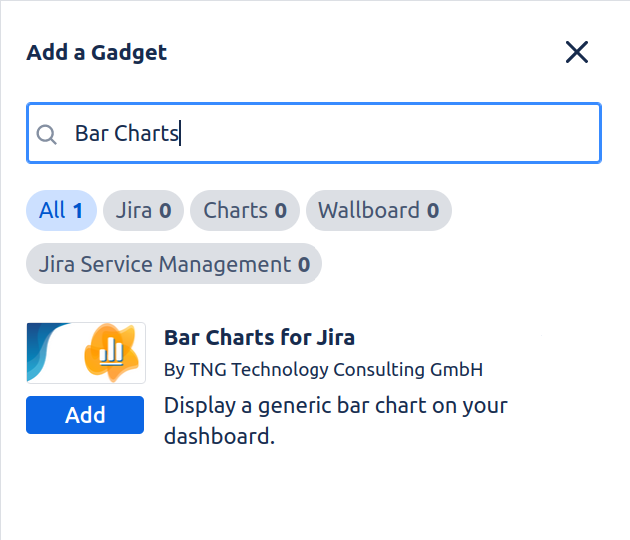
Click on “Add gadget” and search for “Bar Charts”:
-
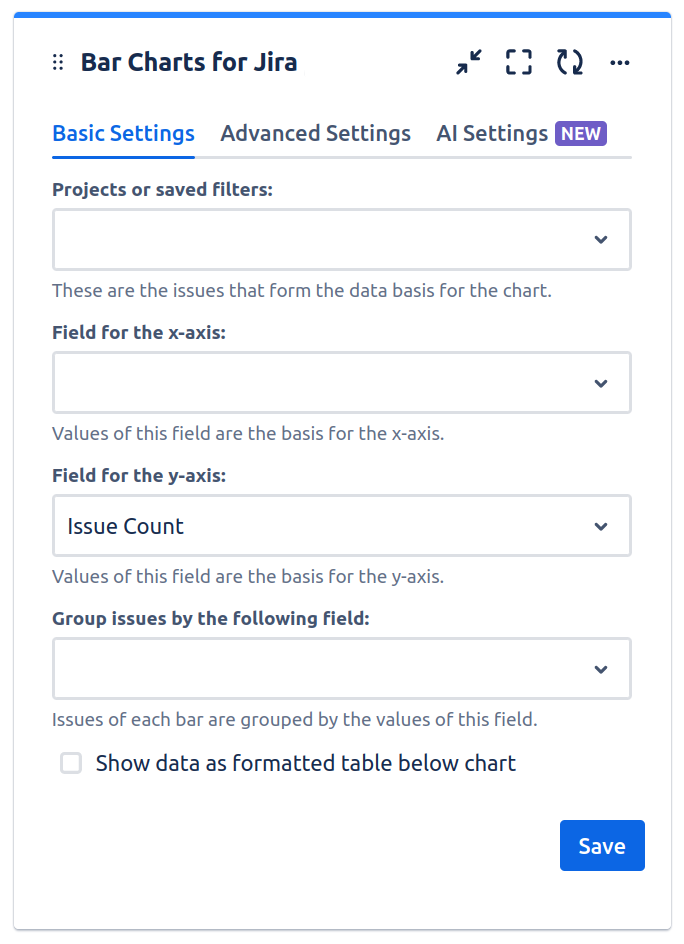
Click on “Add” to add the gadget to the dashboard. The gadget will show the configuration screen:
-
Configure the gadget. You must at least specify a project or saved filter, a field for the x-axis and a field for grouping.
-
Click “Save” to insert the Bar Charts gadget.
-
Click “Done” to save the dashboard.