
Fonts macro allows for displaying the text content within its body both inline and in a new line.
When a Fonts macro is created, it will be inlined by default.
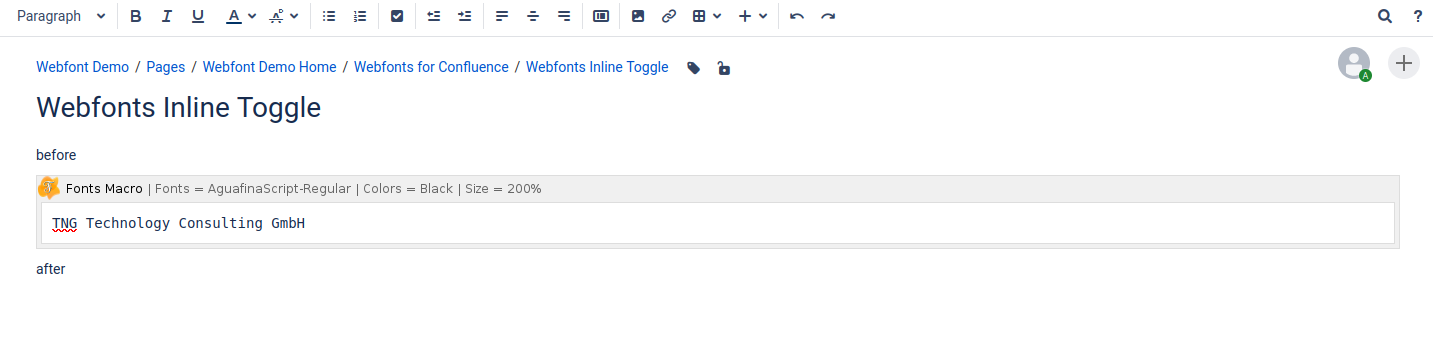

Toggling the Inline mode off and on
-
Visit the page containing the Fonts macro in edit mode.
-
Click on the Fonts macro to open the toolbar.
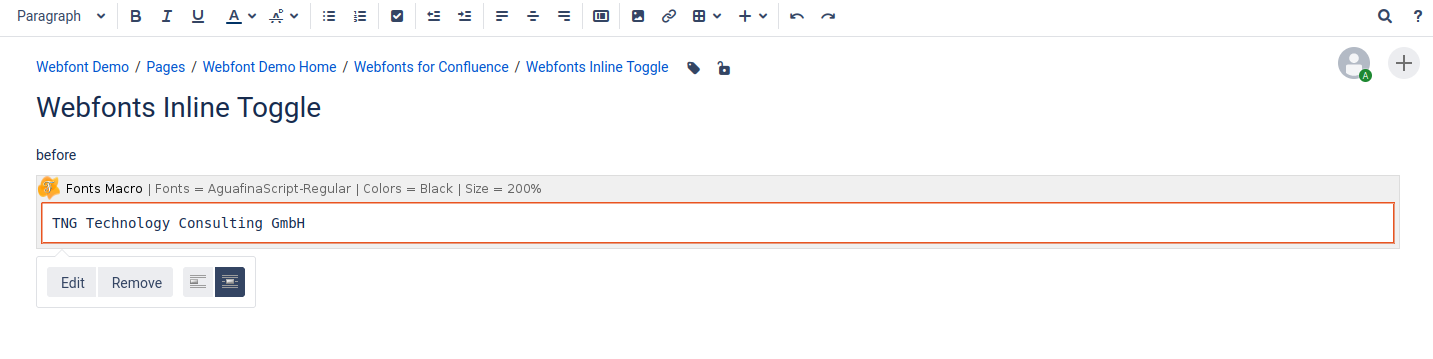
-
Click on the button “Display on new line”
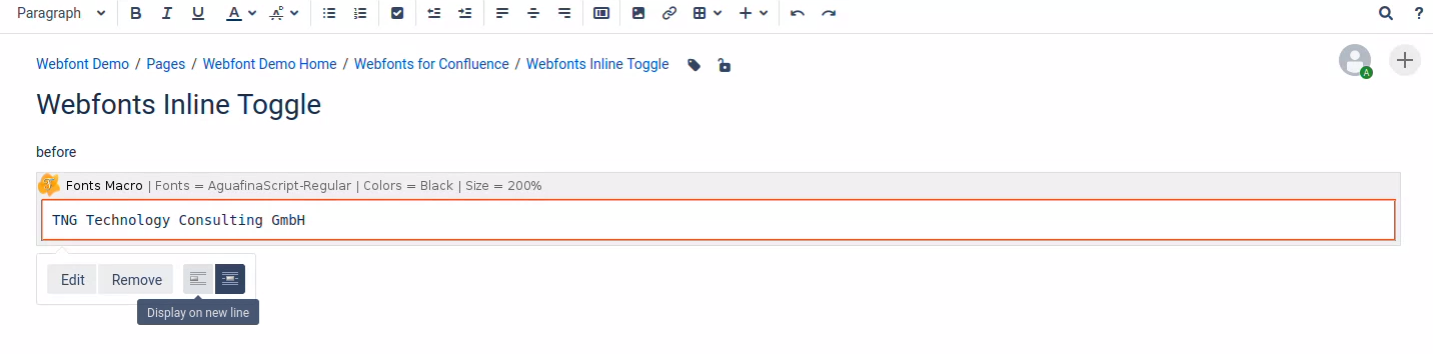
-
Save the page.
-
Congratulations! 🎉 You have successfully toggled off the inline mode.
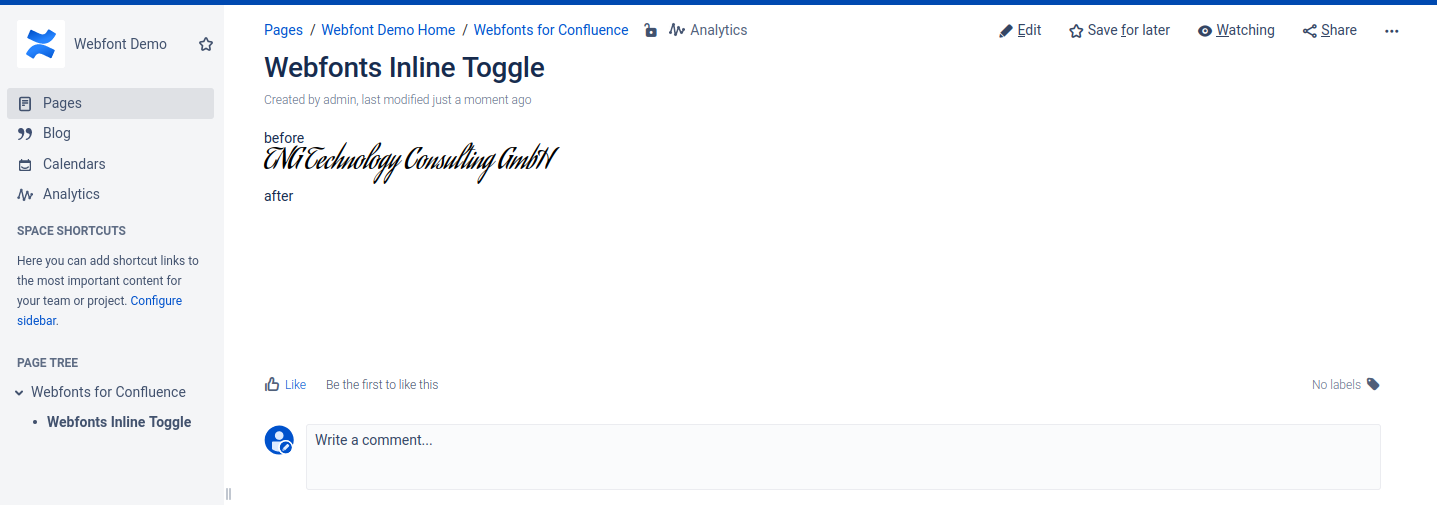
You can toggle the inline mode on again by following the steps above, but clicking “Display inline” button at the Step 3.