
Export a Multivote
-
Navigate to a page containing a Multivote macro.
-
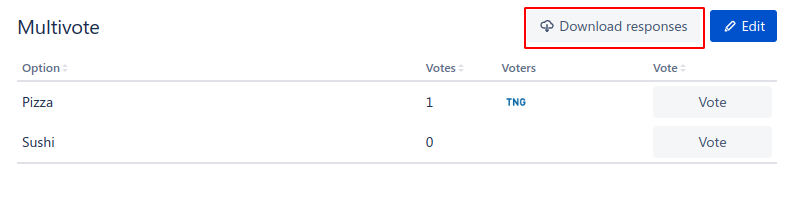
Click on the “Download responses” button.
-
A download of the CSV will automatically start and result in a file of the following format
"Option";"Votes";"Voters" "Pizza";"1";"TNG Technology Consulting GmbH (5de7e8643ab88e0d4a352d10)" "Sushi";"0";"" -
Congratulations! 🎉 You have successfully exported the results of a Multivote to CSV.