
The cloud version of Multivote & Enterprise Survey provides an app page giving easy access to various introductory pages. The app page can be reached via Apps → Multivote & Enterprise Survey in the left navigation bar.
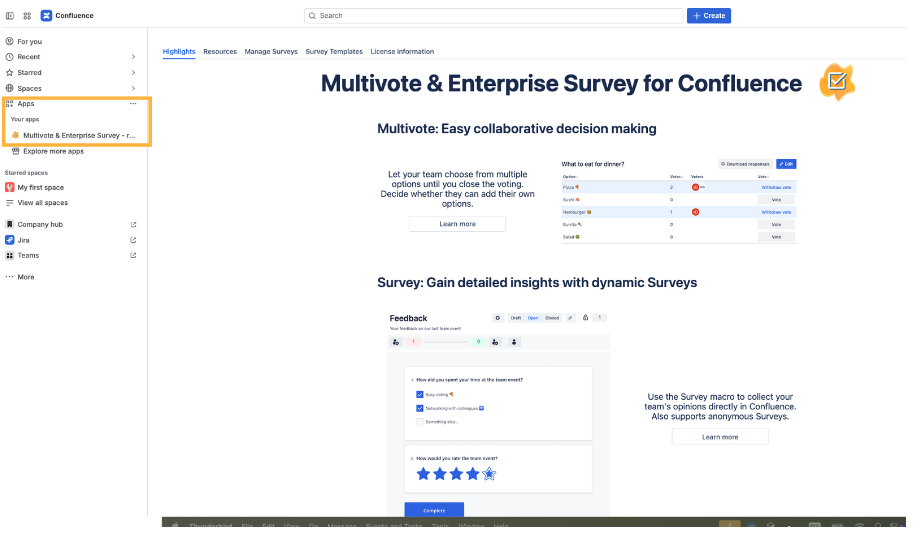
The app page contains five tabs:
-
The Highlights tab on the page gives short description of some of the core features of Multivote & Enterprise Survey as well as links to respective parts of this documentation.
-
The Resources tab provides quick links to some of the resources most useful when dealing with open questions regarding Multivote & Enterprise Survey.
-
The Manage surveys tab provides a powerful tool for managing your surveys.
For more details see: Get an overview of the Surveys you manage -
The Survey Templates tab provides you a nice overview of all Survey Templates you have access to, and allows creation, editing and deletion of Survey Templates
-
The License information tab provides an overview over the software licenses of the third party libraries used within Multivote & Enterprise Survey.