Step-by-Step Guide
-
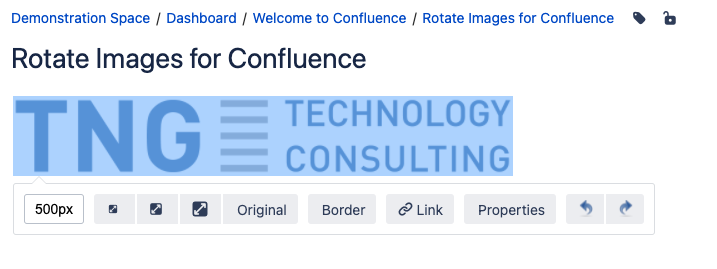
Create a new page or edit an existing page containing an image. Click on the image.
-
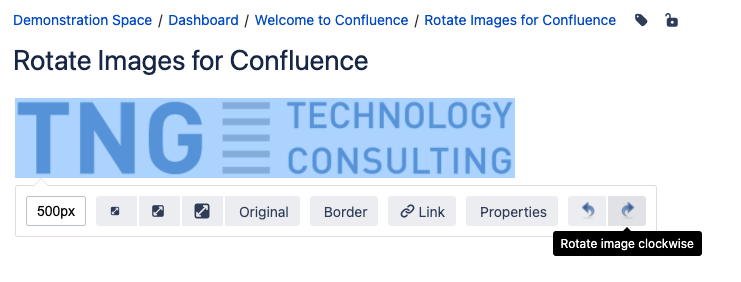
The toolbar appears. Click either on “Rotate image counter-clockwise” or on “Rotate image clockwise” to rotate the image.
-
Save the page.
-
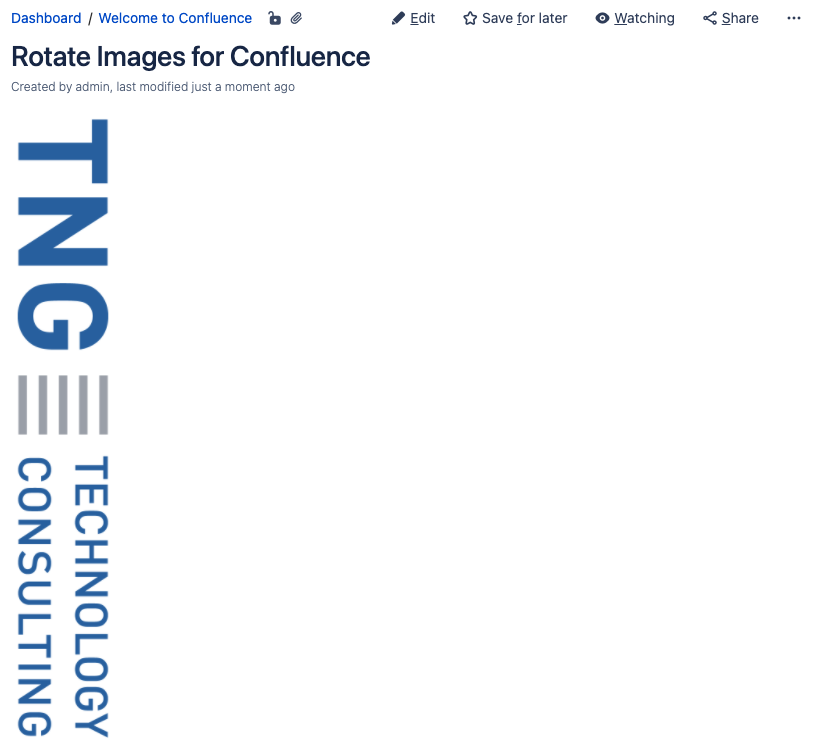
Congratulations! 🎉 You have successfully rotated your first image.