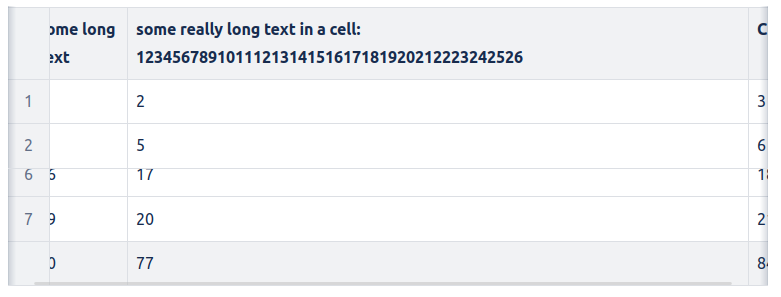
Edit the page, click on the Table Enhancer macro and click on “Edit” to fix rows/columns of a Table.
Instructions
-
Visit a page containing a Table Enhancer macro. Click on “Edit” to go to the edit mode of the page.
-
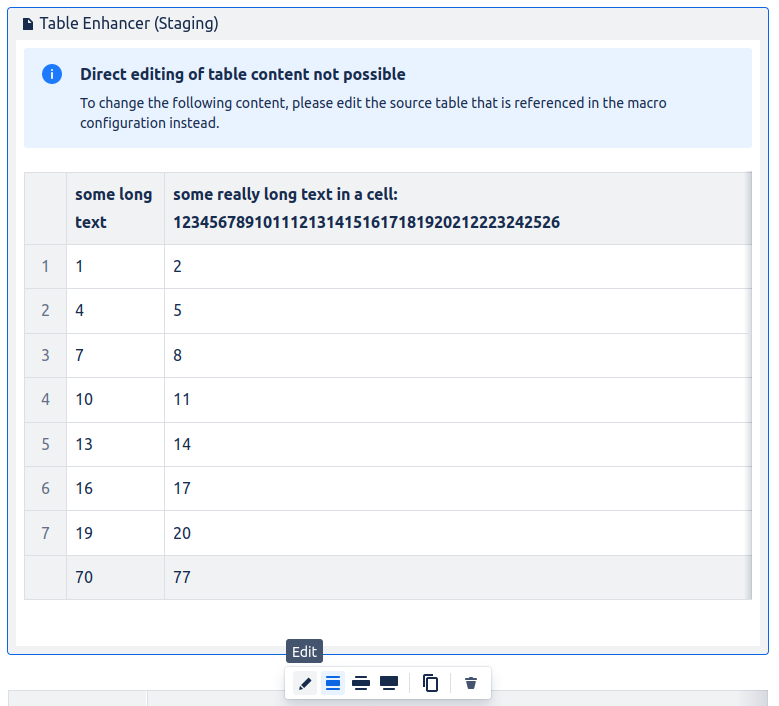
Click on the Table Enhancer macro to open the toolbar.
-
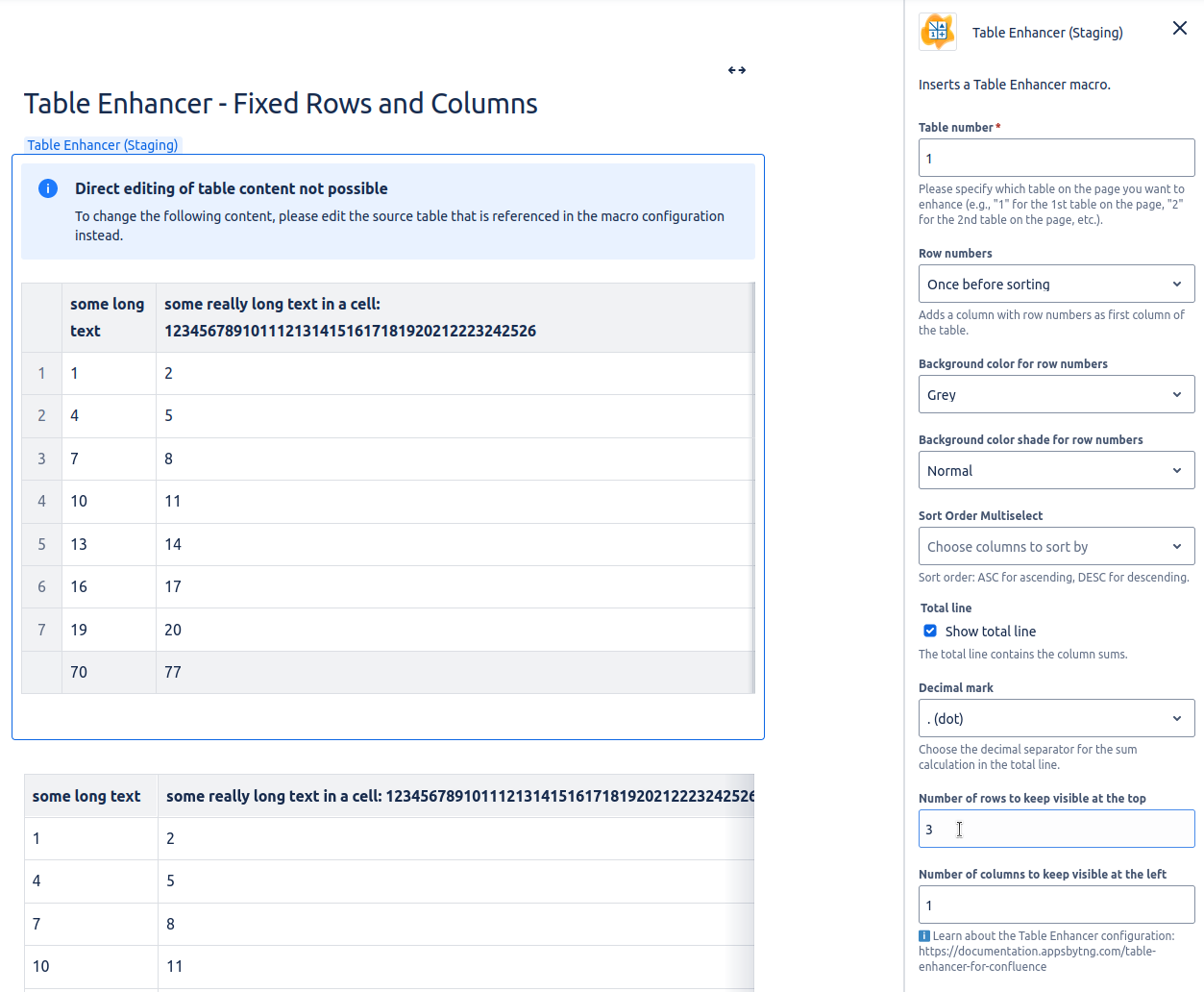
Click on “Edit” button to configure the Table Enhancer macro.
-
Provide a value for “Number of rows to keep visible” and/or “Number of columns to be visible”. A detailed list of the configuration options can be found here.
-
Save the page.
-
Congratulations! 🎉 You have successfully fixed rows/columns of a Table.