
En-/Disabling modules of the app
For enabling the toolbar or disabling the who command, go to Manage apps, search for User Switcher for Jira and click on Configure (see above). On the right, click on "31 out of 33 modules enabled" (or similar) to unfold the module overview. Here you can enable and disable modules of the app.
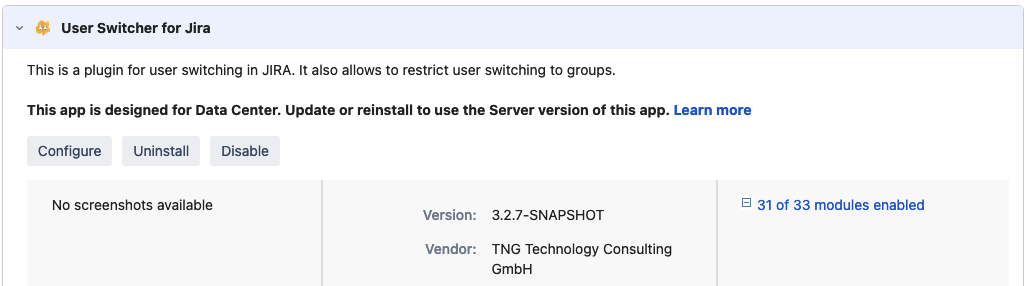
Enabling Toolbar
By default the toolbar is disabled for performance reasons. On activation, it is recommended to configure a group with users that you can switch to. This group should not contain more than 10-20 users.
The toolbar is enabled by the modules:
-
User Switch Toolbar
-
entrypoint-quickSwitchBar
Disabling who command
By default the who command is enabled. It is deactivated by the module:
-
Who am I?