
Insert a Custom Content gadget into a dashboard
-
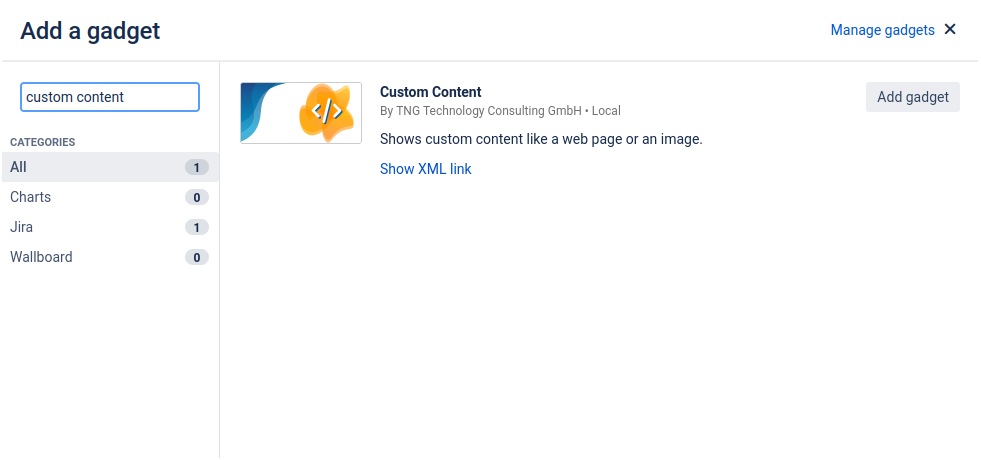
Create a new dashboard or edit an existing dashboard to add a new Gadget. Click on “Add gadget”, search for “Custom Content”, and click on “Add gadget” to add a Custom Content gadget to the dashboard.
-
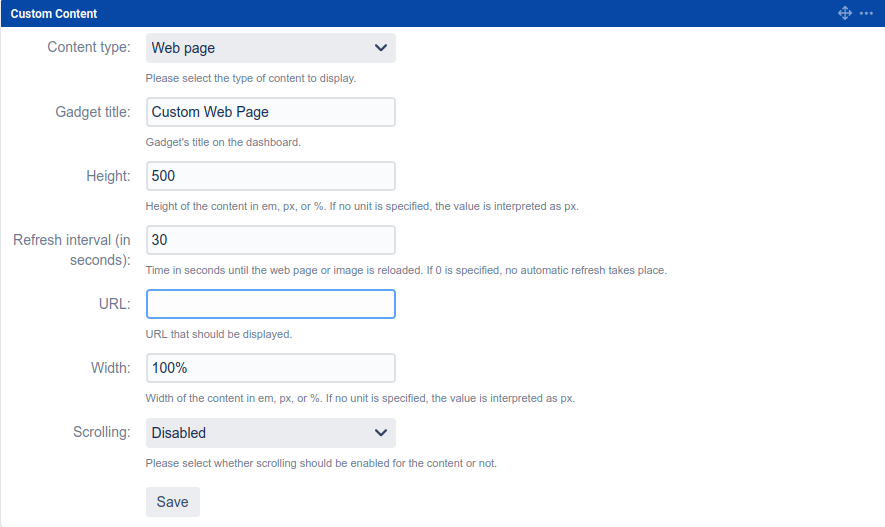
A new gadget will be added to the dashboard and can be configured. Click “Save” to insert the Custom Content gadget.
-
Congratulations! 🎉 You have successfully created your first Custom Content gadget.