
Include an image in your dashboard
-
Create a new Custom Content gadget or edit an existing Custom Content gadget in your dashboard. Choose “Image” as content type and insert a URL to the image you would like to include.
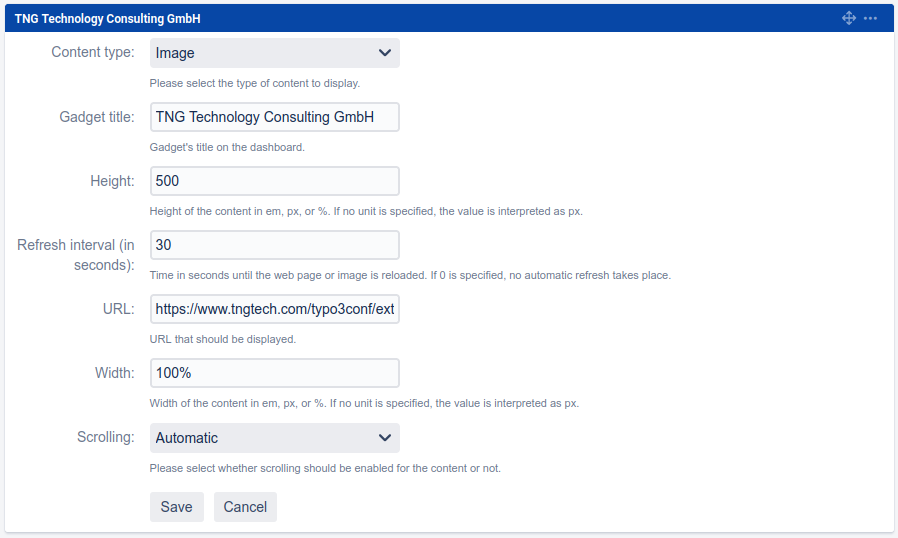
-
Click “Save” to publish the Custom Content gadget.

-
Congratulations! 🎉 You have successfully included an image.