
How to withdraw your vote
-
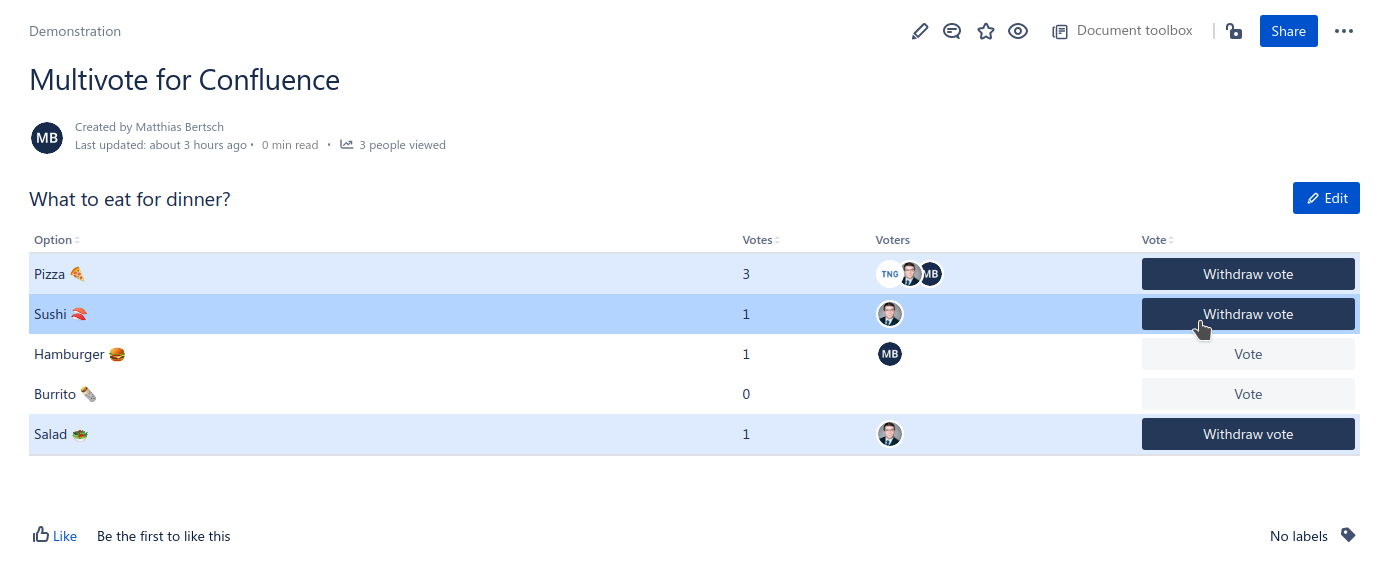
Open a page containing a Multivote macro you have already voted for.
-
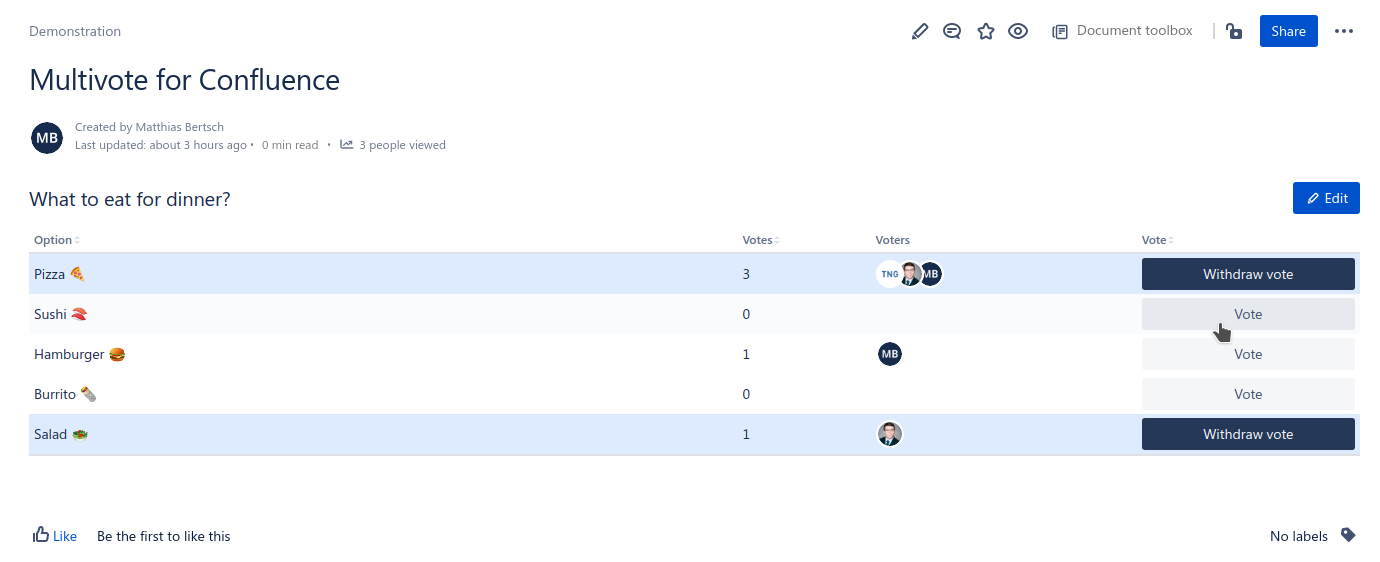
Click the “Withdraw vote” button that appears next to each option you have already voted for.
-
Congratulations! 🎉 You have successfully withdrawn your vote for an option.