
Confluence administrators have the possibility to set some global settings.
The “Multivote & Enterprise Survey“ settings are located in the Confluence settings within the “Atlassian Marketplace” menu item.
You will then see a global settings page, which enables setting some defaults for all surveys located in this Confluence instance.
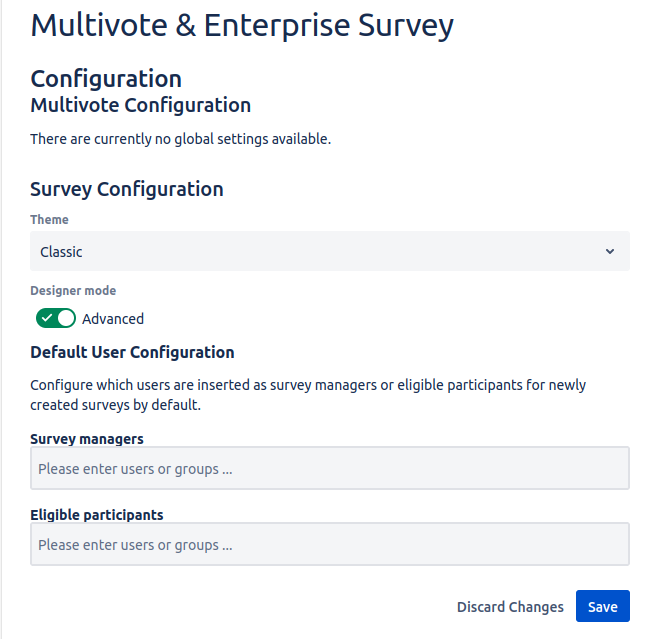
|
Configuration |
Explanation |
|---|---|
|
Theme |
Specify which theme is used to display the surveys. Currently there is Classic and Modern with some optical differences. |
|
Designer mode |
The default designer mode when creating a new survey. Note that each user can overwrite this option with the preferred behavior of the user. |
|
Survey managers |
A default list of Confluence groups and users which will be added to each created survey in the role of a survey manager. |
|
Eligible participants |
A default list of Confluence groups and users which will be added to each created survey in the role of a possible voter. |