
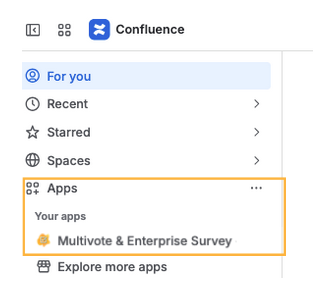
In order to find the overview of all Survey Templates you have access to, first navigate to the general overview of the “Multivote & Enterprise Survey for Confluence” App by clicking on “Apps”-> Multivote & Enterprise Survey on the left side-bar
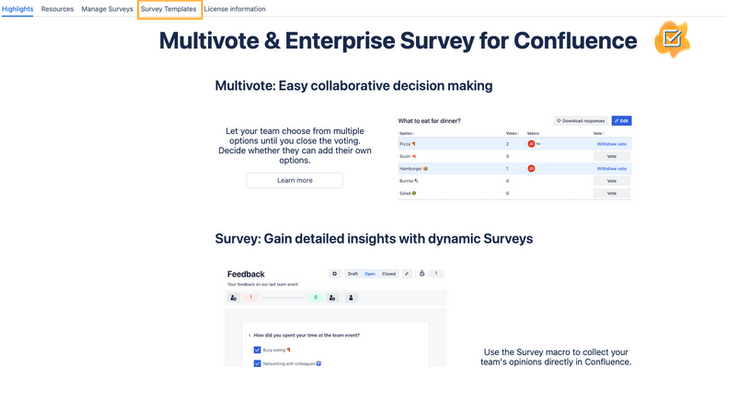
and then navigate to the tab “Survey Templates”.
In this tab you will see all Templates where you have been added as a Survey Manager either via your name, or as a group.
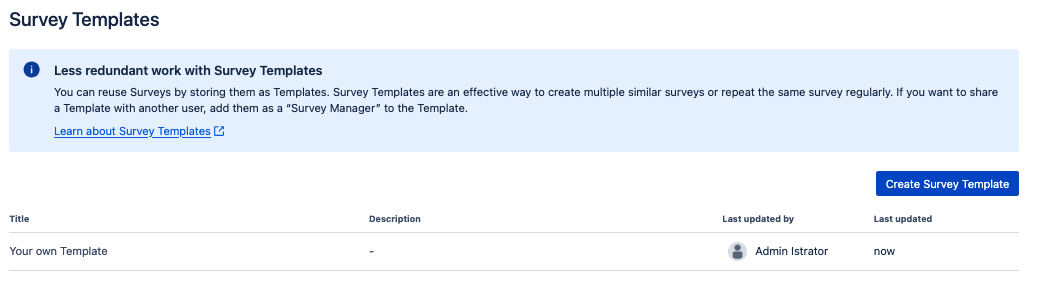
Additionally, on this page you can also easily create new Templates, edit them and delete them.