
Starting from the Survey Templates Manager, you have to first edit the Template in question

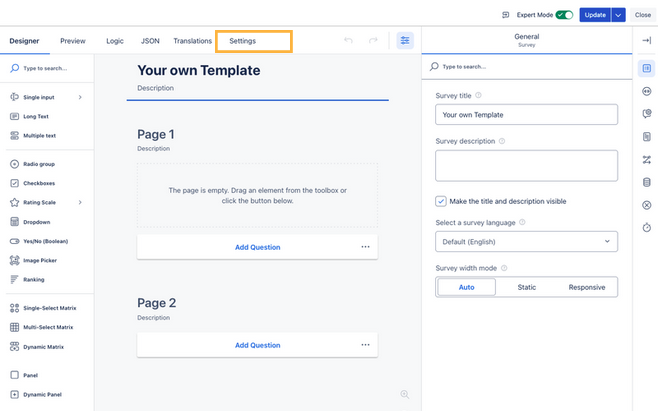
Then, you navigate to the “Settings”
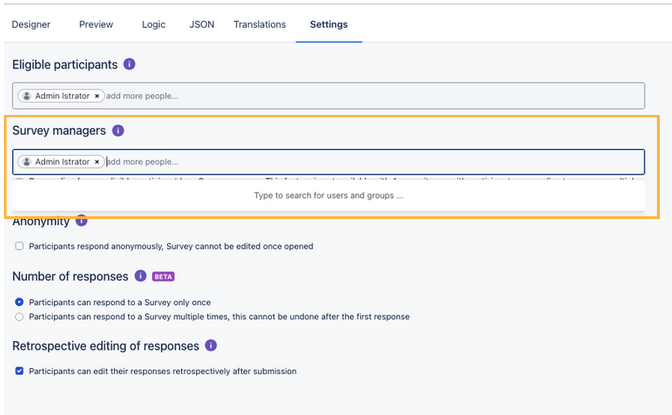
Under “Survey Managers”, add the user or group you want to share the Template with
Then update the Template – and it is now available to the other users/groups!