v7.3 v7.2 v7.1 v7.0 v6.12 v6.11 v6.10 v6.7 v6.6 v6.5 v6.4 v6.3 v6.2 v6.1 v6.0 v5.3 v5.2 v5.0 v4.8 v4.6 v4.5 v4.4 v4.3 v4.0 latest <= v3.4 Cloud Data Center

How to share a Template with another user

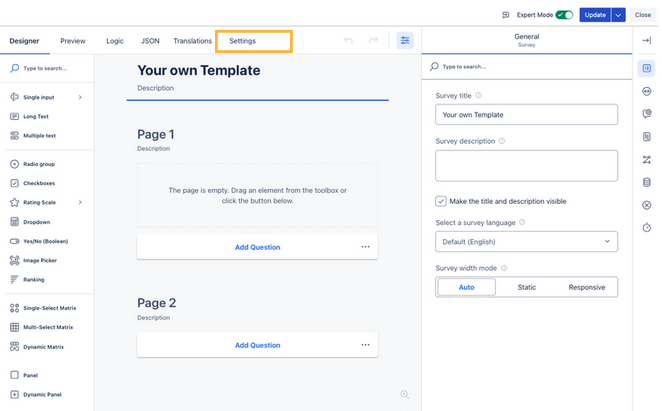
Starting from the Survey Templates Manager, you have to first edit the Template in question

image-20251119-091945.png

Then, you navigate to the “Settings”

image-20251119-092748.png


Under “Survey Managers”, add the user or group you want to share the Template with
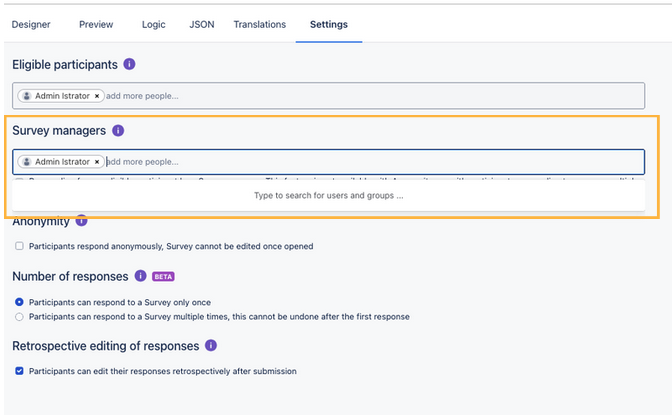
image-20251119-092854.png

Then update the Template – and it is now available to the other users/groups!