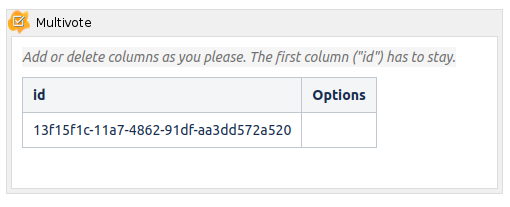
Insert a Multivote
-
Create a new page or edit an existing page to create a new Multivote.
-
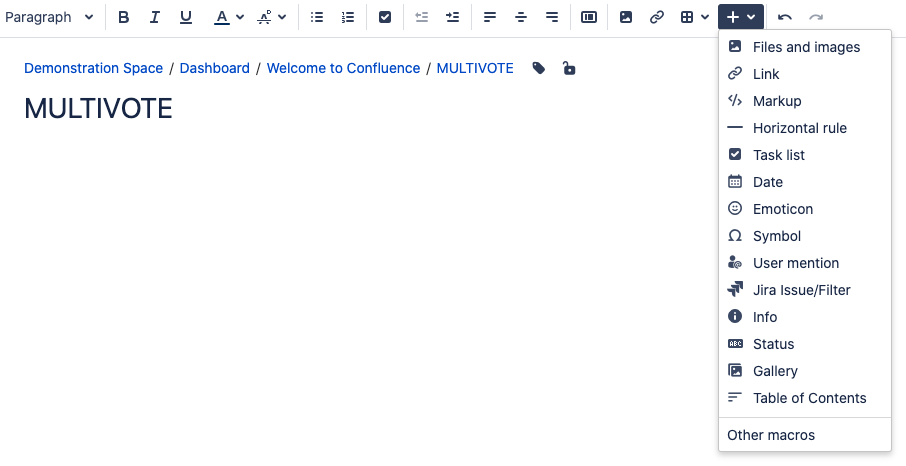
Click on the “+” icon in the toolbar and select “Other macros”. Type “multivote” into the search field and select the Multivote macro to add it to the page.
-
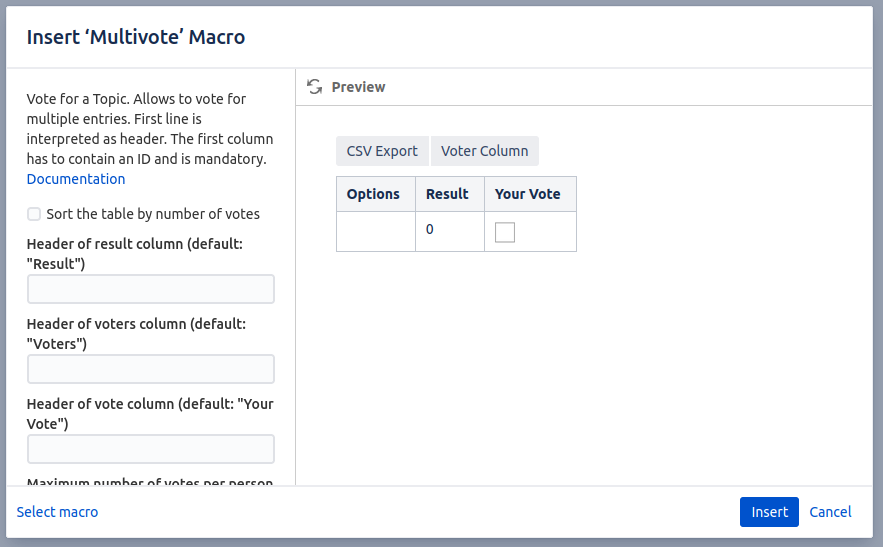
A new dialog box appears allowing you to configure the Multivote macro. A detailed list of all the configuration options can be found here. Click “Insert” to insert the Multivote.
-
Congratulations! 🎉 You have successfully created your first Multivote.