Starting from the Survey Templates Manager
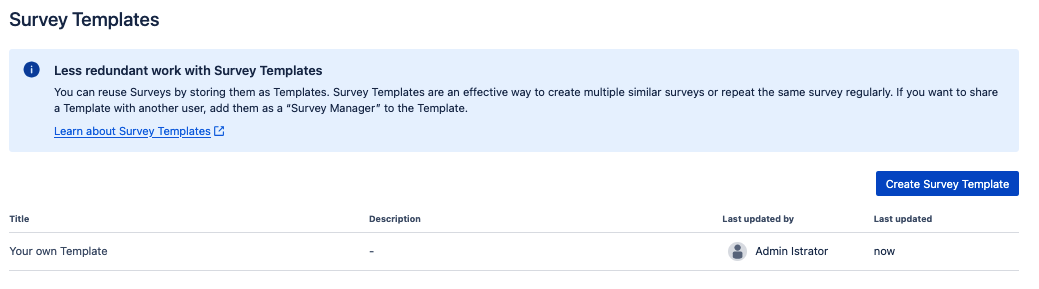
Hover over the Template you want to delete and click on the “Delete” icon:

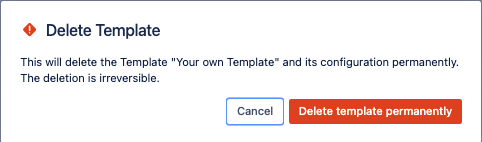
Then confirm in the pop-up that you want to permanently delete the Template. This action cannot be undone!

Starting from the Survey Templates Manager
Hover over the Template you want to delete and click on the “Delete” icon:
Then confirm in the pop-up that you want to permanently delete the Template. This action cannot be undone!