
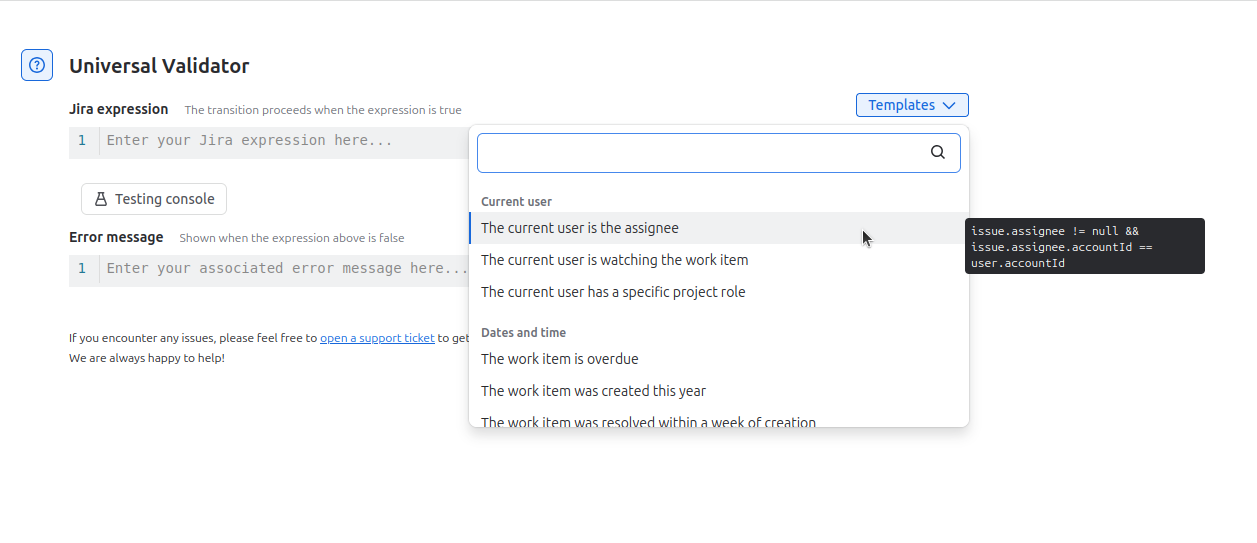
To use a template Jira expression, select the “Templates” drop-down button. You can then search or browse the available examples commonly used with Workflow Enhancer for Jira. Hover over a template to view a tooltip showing the full Jira expression. When you select a template, its Jira expression is inserted into the Jira expression field for your transition rule.
Note: Ctrl+Z can be utilized to return to the previous expression that was written in the Jira expression field.