
Close a Multivote
You need edit permissions on the page the Multivote macro is displayed to be able to perform this operation.
-
Open a page containing a Multivote macro.
-
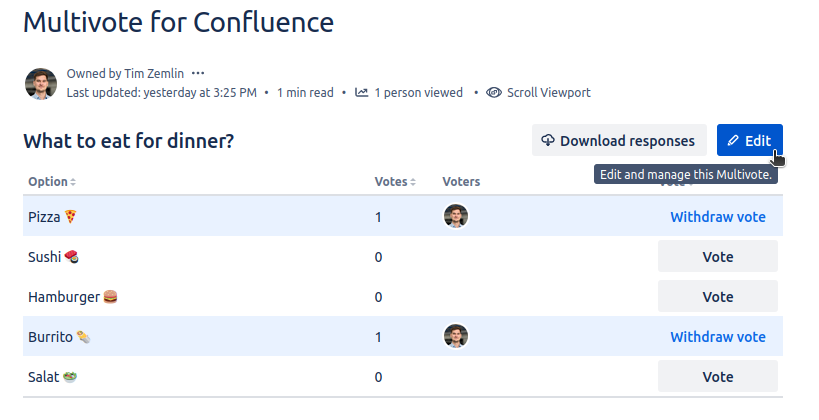
Click the “Edit” button in the top-right corner of the Multivote macro.
-
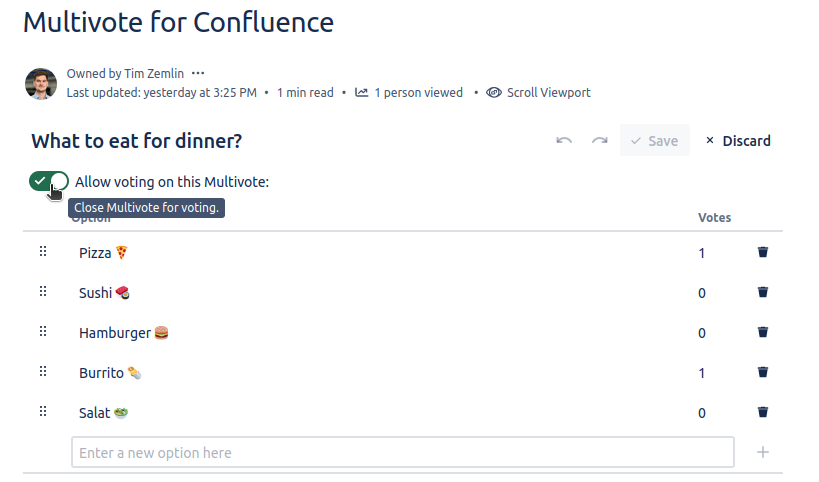
You are now in the edit mode of the Multivote.
-
At the top you can see a toggle which allows to toggle whether voting on this Multivote is currently allowed. Switch this toggle to close the Multivote.
-
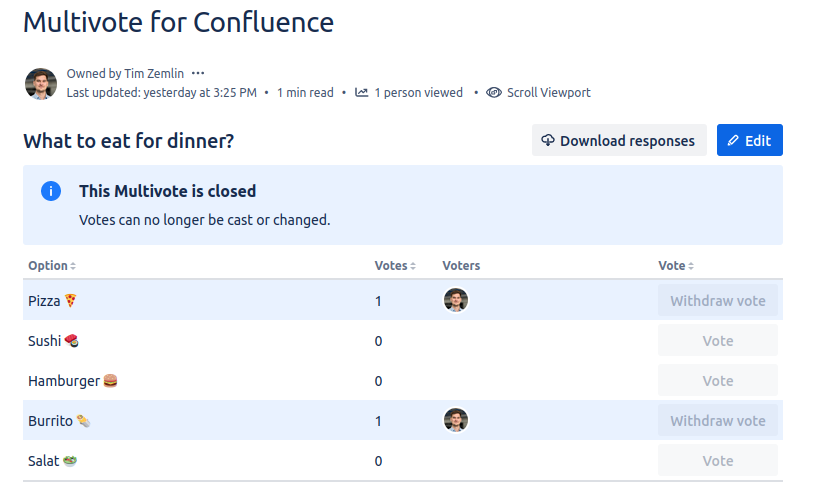
Click the “Save” button in the top-right corner of the Multivote macro.
-
Congratulations! 🎉 You have successfully closed a Multivote.