
Add Option to a Multivote
-
Visit a page containing a Multivote macro. Click on “edit” to go to the edit mode of the page.
-
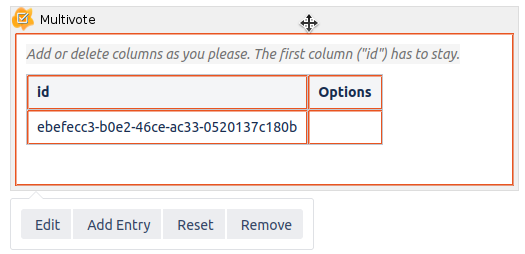
Click on the Multivote macro to open the toolbar.
-
-
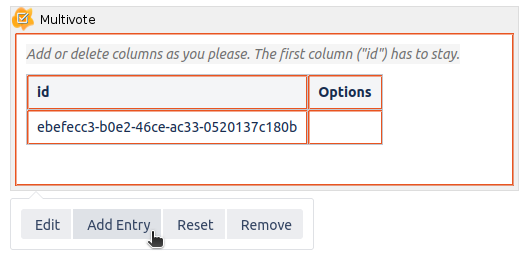
Click on the “Add Entry” button to append a new entry to your Multivote.
-
You can also add a new Entry by pressing Tab.
-
All cells in the “id” column must contain unique id’s.
-
-
Save the page.
-
Congratulations! 🎉 You have successfully appended a new entry to your Multivote.