
Export a Multivote
-
Navigate to a page containing a Multivote macro.
-
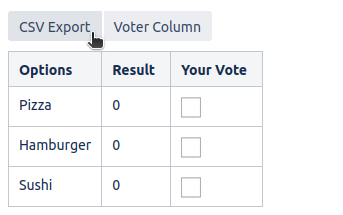
Click on the “CSV Export” button.
-
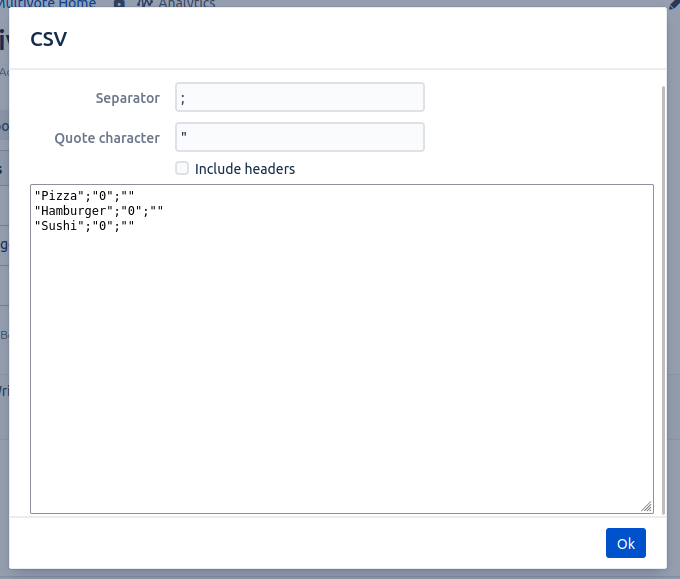
A dialog will appear allowing you to copy the exported CSV. You can specify the separator and quote character and also decide if you wish to include headers or not. The export text in the textfield below updates automatically.
-
Copy the text to your desired destination.
-
Congratulations! 🎉 You have successfully exported the results of a Multivote to CSV.