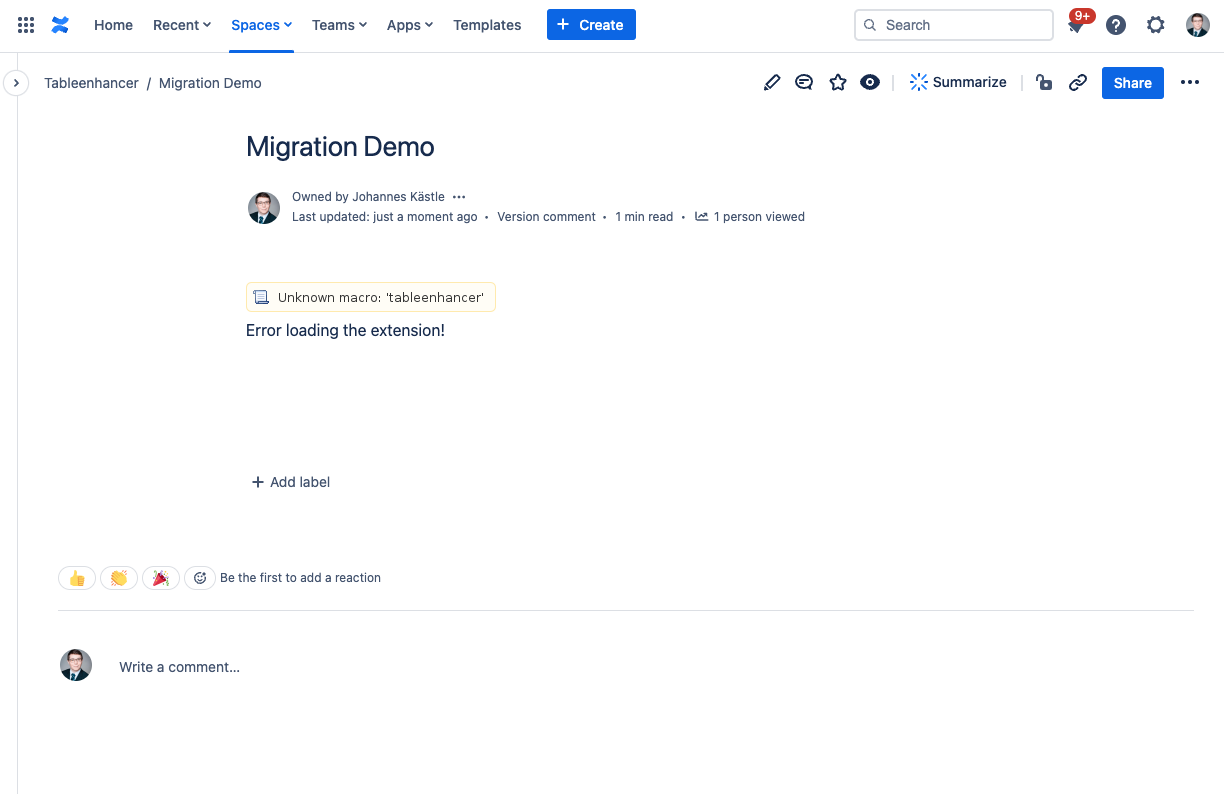
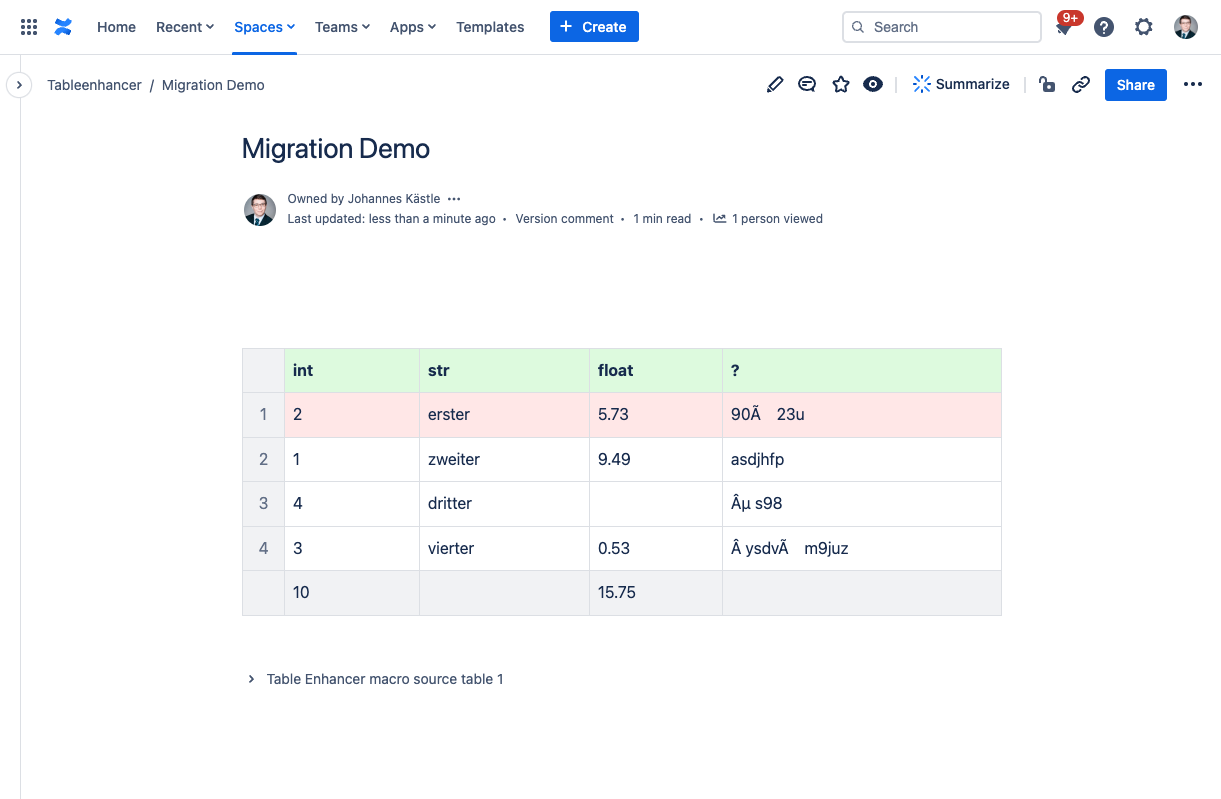
Broken Legacy Table Enhancer Macros
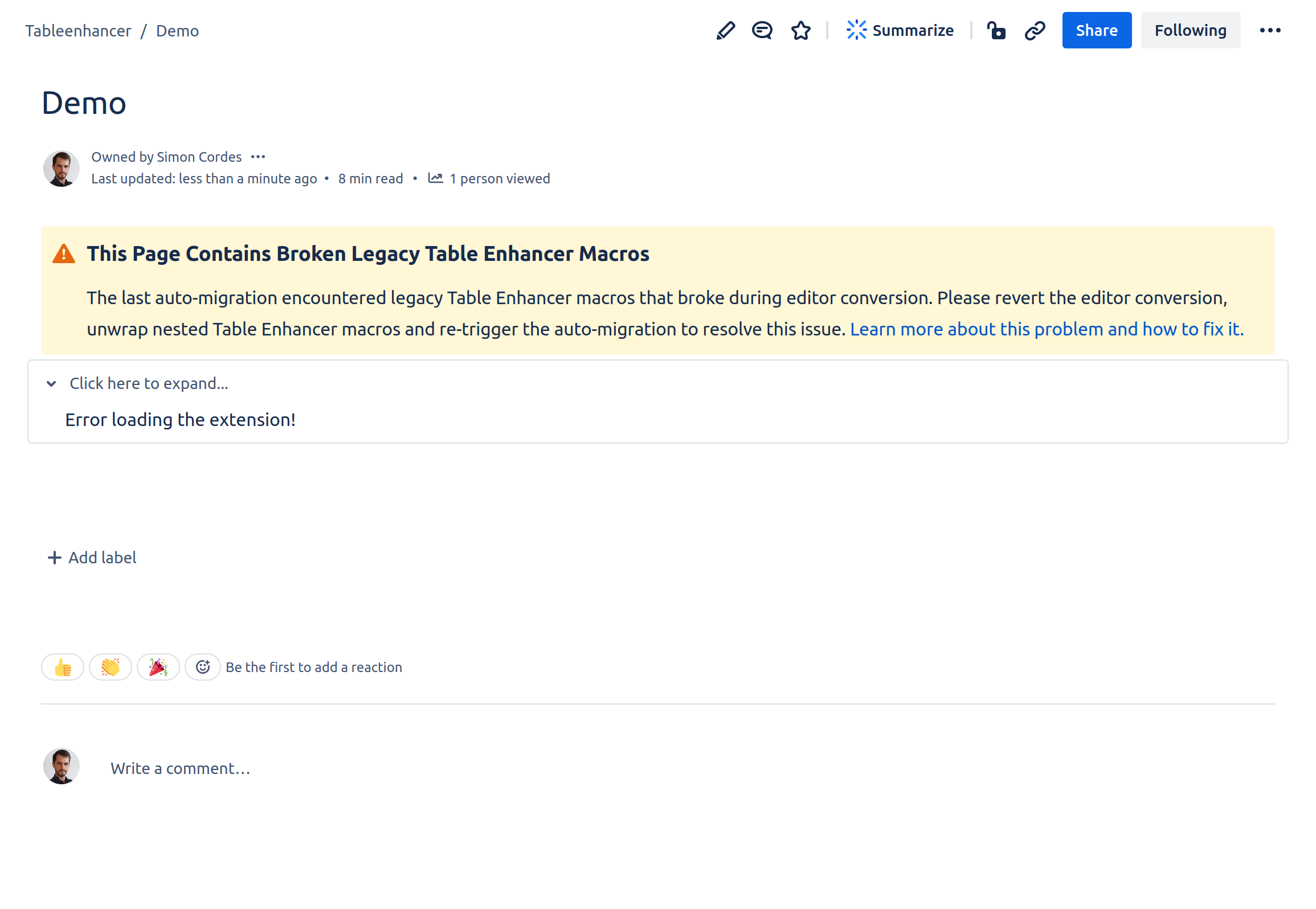
Converting a page to the new editor can break legacy Table Enhancer macros on that page. This typically happens because the legacy macro was wrapped inside another macro. The content of broken Table Enhancer macros is no longer accessible. This makes it impossible to migrate broken legacy macro without a manual intervention. Learn how to fix broken legacy Table Enhancer macros.
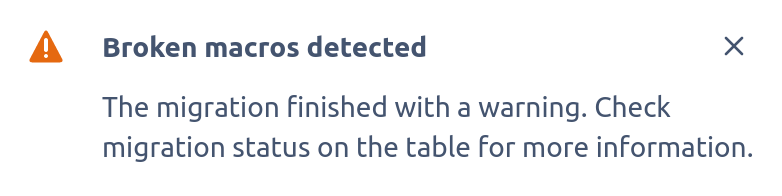
The Macro Migration Assistant will notify you if it encounters a page containing a broken macro during the macro migration process. It will also insert a section message at the top of the affected page informing users about the presence of broken legacy macros on the page.
How the Macro Migration Assistant Performs the Macro Migration
The Macro Migration Assistant performs the following steps to migrate all legacy Table Enhancer macros contained in a given page:
-
Extract all content wrapped in legacy Table Enhancer macros to the ambient page
-
Wrap all tables extracted in the previous step in expand macros
-
Add a Table Enhancer Cloud macro above each expand created in the previous step
-
Copy the macro configuration from the legacy macros to the new macros
-
Delete all legacy Table Enhancer macros on the page
-
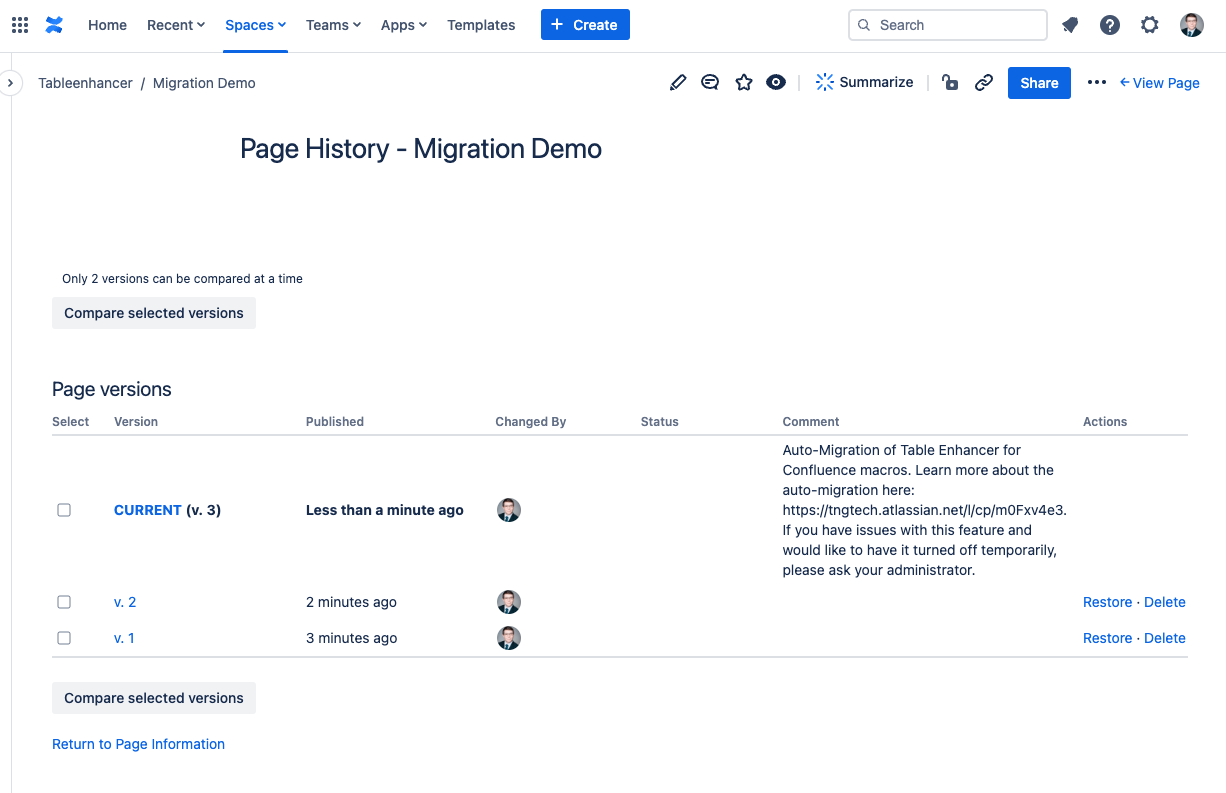
Issue a page update
This process only migrates Table Enhancer macros themselves. You might still have to migrate some table content.