-
Create or edit a workflow.
-
Select a transition for which you would like to add the condition.
-
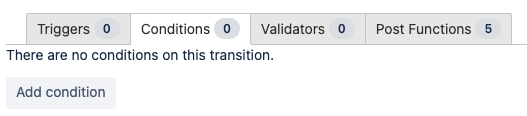
In the “Conditions” tab, select “Add condition”.
-
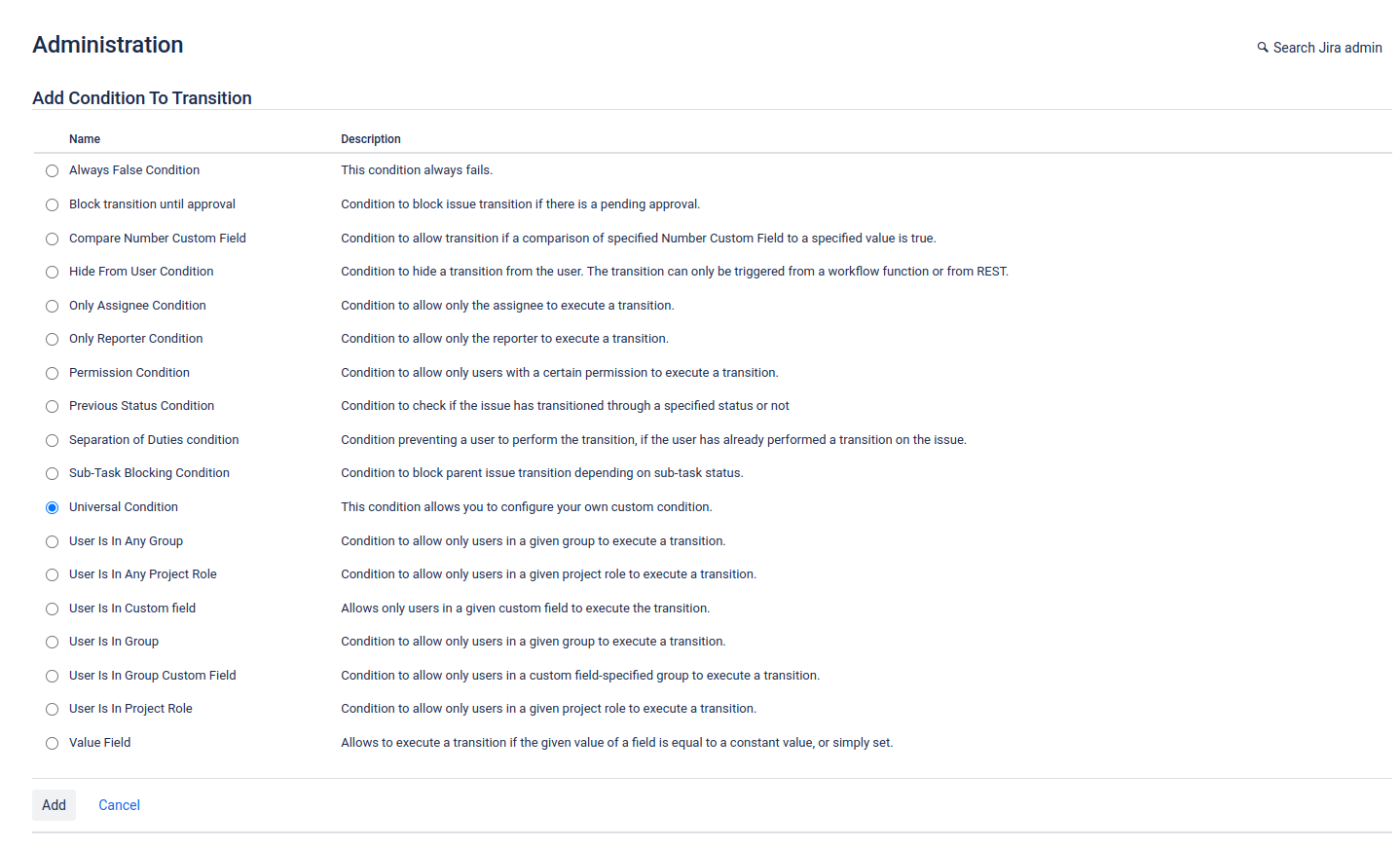
In the list of conditions, select “Universal Condition” and click on “Add”.
-
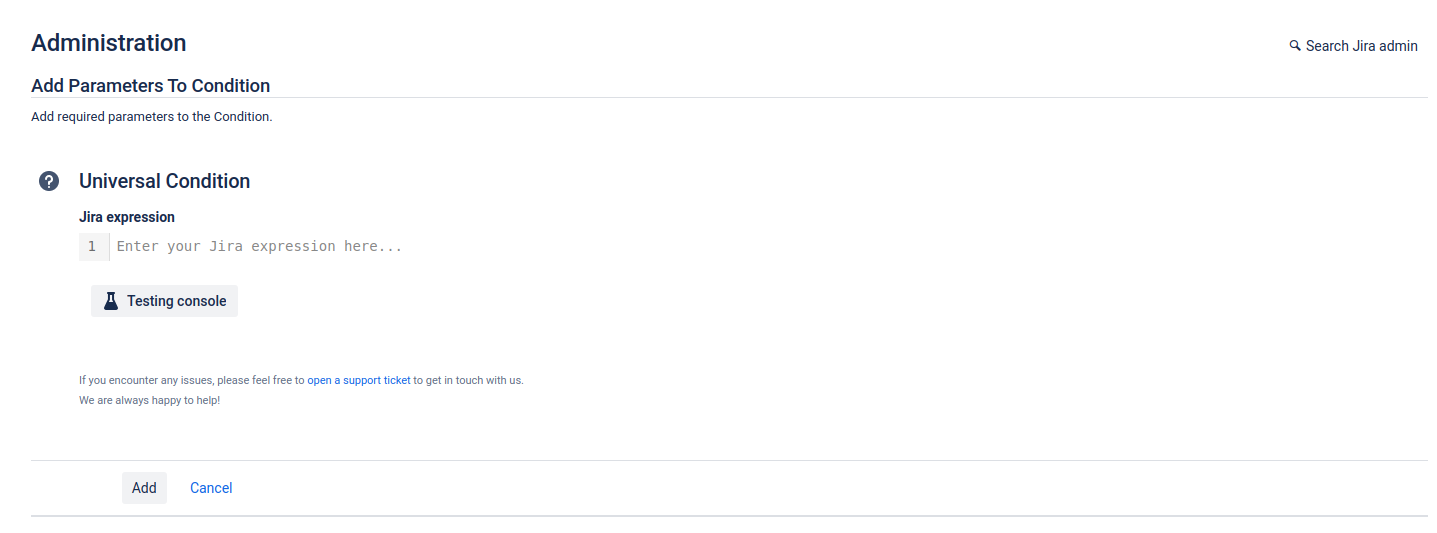
Specify an expression and click on “Add”.