-
Create or edit a workflow.
-
Select a transition for which you would like to add the post function.
-
In the “Post Functions” tab, select “Add post function”.

-
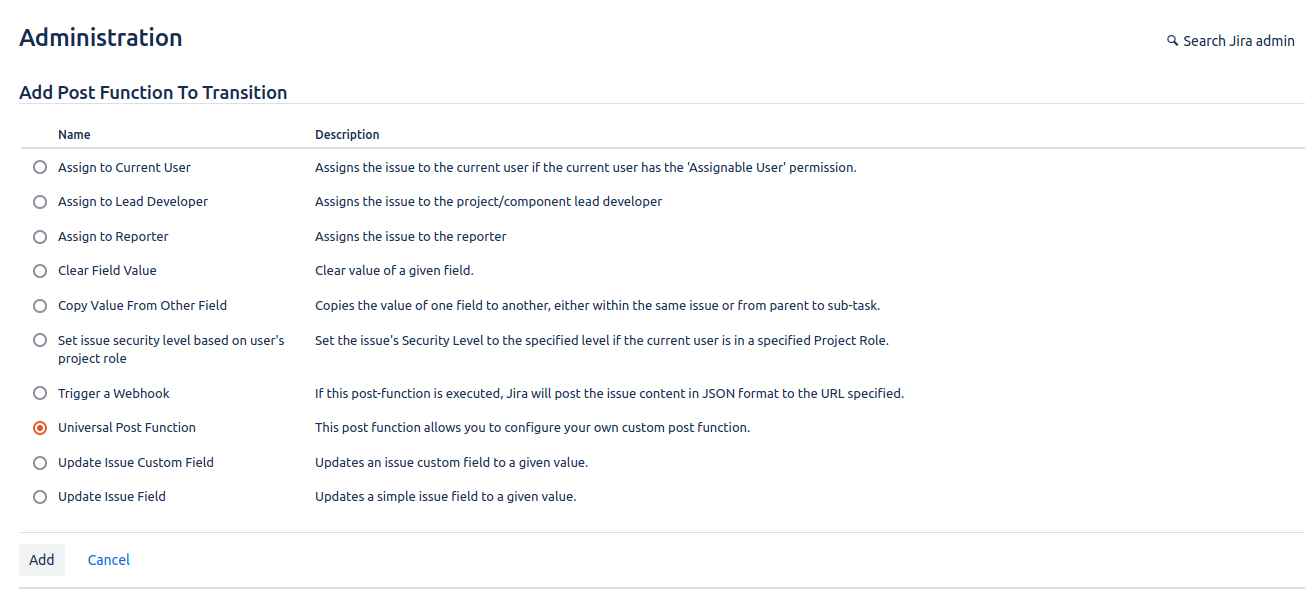
In the list of post functions, select “Universal Post Function” and click on “Add”.
-
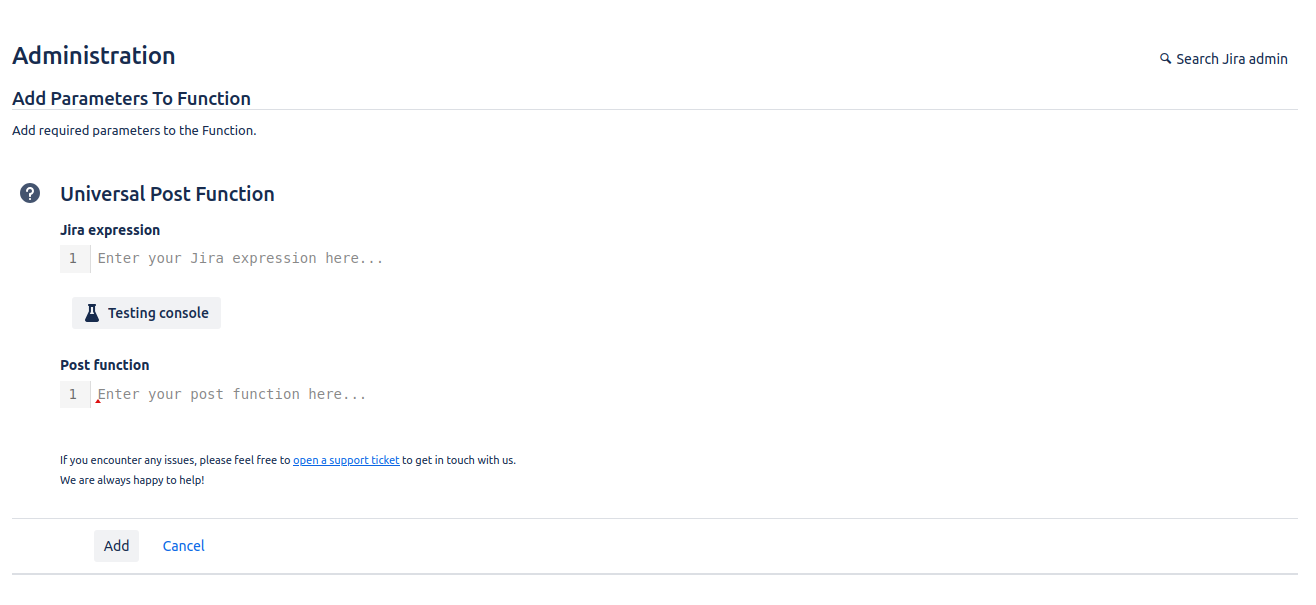
Specify an expression and a post function and click on “Add”.