Interact with a chart
-
Open a dashboard with a Bar Chart gadget.
-
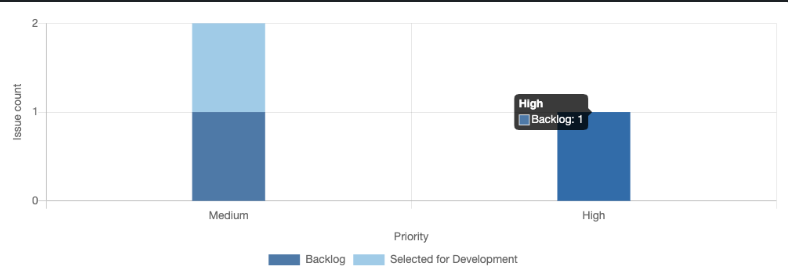
Hover over a group of a bar to see its individual issue count:
-
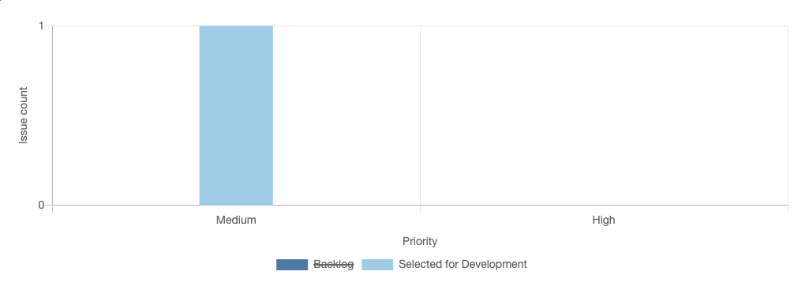
Click on an element in the legend to disable/enable it:

Open a dashboard with a Bar Chart gadget.
Hover over a group of a bar to see its individual issue count:
Click on an element in the legend to disable/enable it: