Starting from the Survey Templates Manager
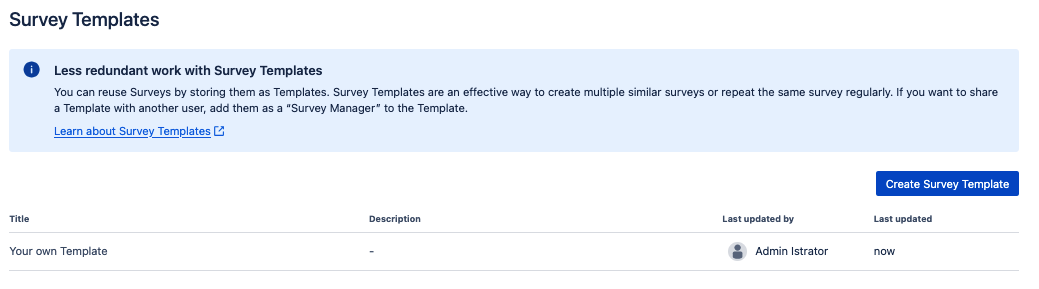
There are two ways you can edit a Template:
-
By clicking on the highlighted Title of a Template
-
By clicking on the “Pencil icon” when you hover over the Template


Starting from the Survey Templates Manager
There are two ways you can edit a Template:
By clicking on the highlighted Title of a Template
By clicking on the “Pencil icon” when you hover over the Template