
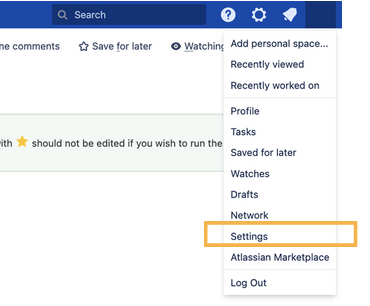
In order to find the overview of all Survey Templates you have access to, first navigate to your User settings
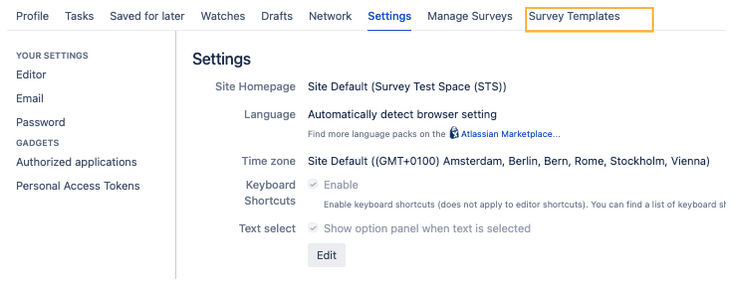
and then navigate to the tab “Survey Templates”.
In this tab you will see all Templates where you have been added as a Survey Manager either via your name, or as a group.
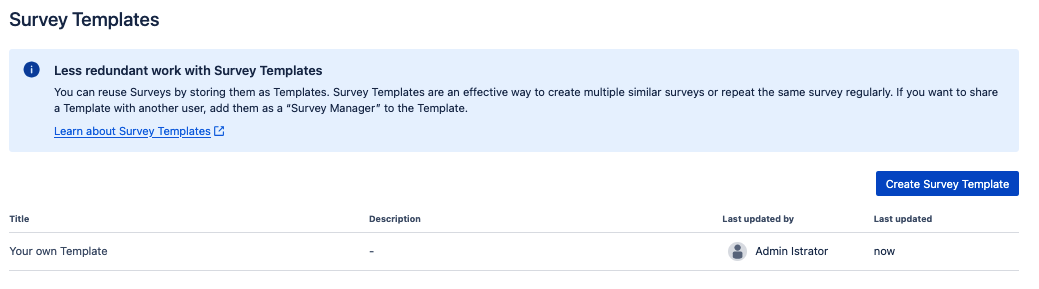
Additionally, on this page you can also easily create new Templates, edit them and delete them.