
Please install the latest version of our app on your DC and Cloud sites for a seamless migration.
Below is a brief overview of the migration steps for this app. The migration has two phases: data migration from DC/server to Cloud and macro migration in the Cloud. See the overview below or our walk-through for details.
1. Migration of spaces/apps, starting from DC/server.
Attention! Possible data loss.
Even if you migrate only one space, the Survey and Multivote data in all spaces will be migrated and saved in the Cloud. This means if you migrate multiple times, the data in the Cloud will be overwritten each time. We therefore recommend migrating the app data only once!
On DC/Server you can simply follow the procedure offered by Atlassian, selecting ‘Multivote & Enterprise Survey for Confluence’ as an app you want to migrate. This will include the app data migration into the migration process. Should the app data migration process take longer than 15 minutes, you will see its status as timed-out. Please check the logs to see if the data migration succeeded (and see troubleshooting page).
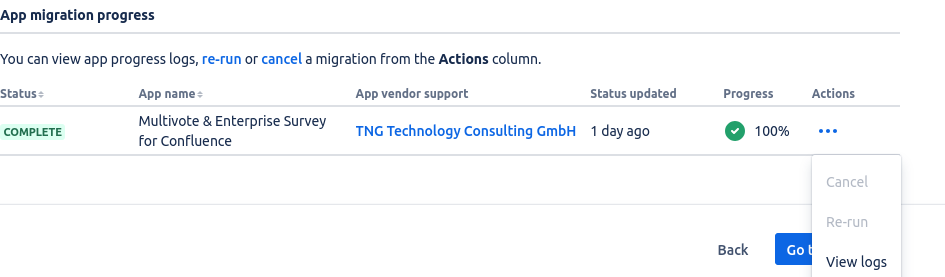
At the end, you will have all pages/spaces and app data in your cloud. But our macros are still in the legacy format and not working in the Cloud. Each macro will be shown as, e.g., ‘Unknown macro: 'surveydisplay’.
This is due a limitation of the migration tooling provided by Atlassian. The migration to cloud macros is described in the next step.
2. Migrating legacy macros to cloud macros
By default, auto-migration is enabled which makes the manual work of this step obsolete. Find out more at Auto-migration of Survey macros. If you want to migrate all macros at once, follow the steps bellow.
Navigate to ⚙️->Settings → Apps → Multivote & Enterprise Survey → Macro Migration Assistant.
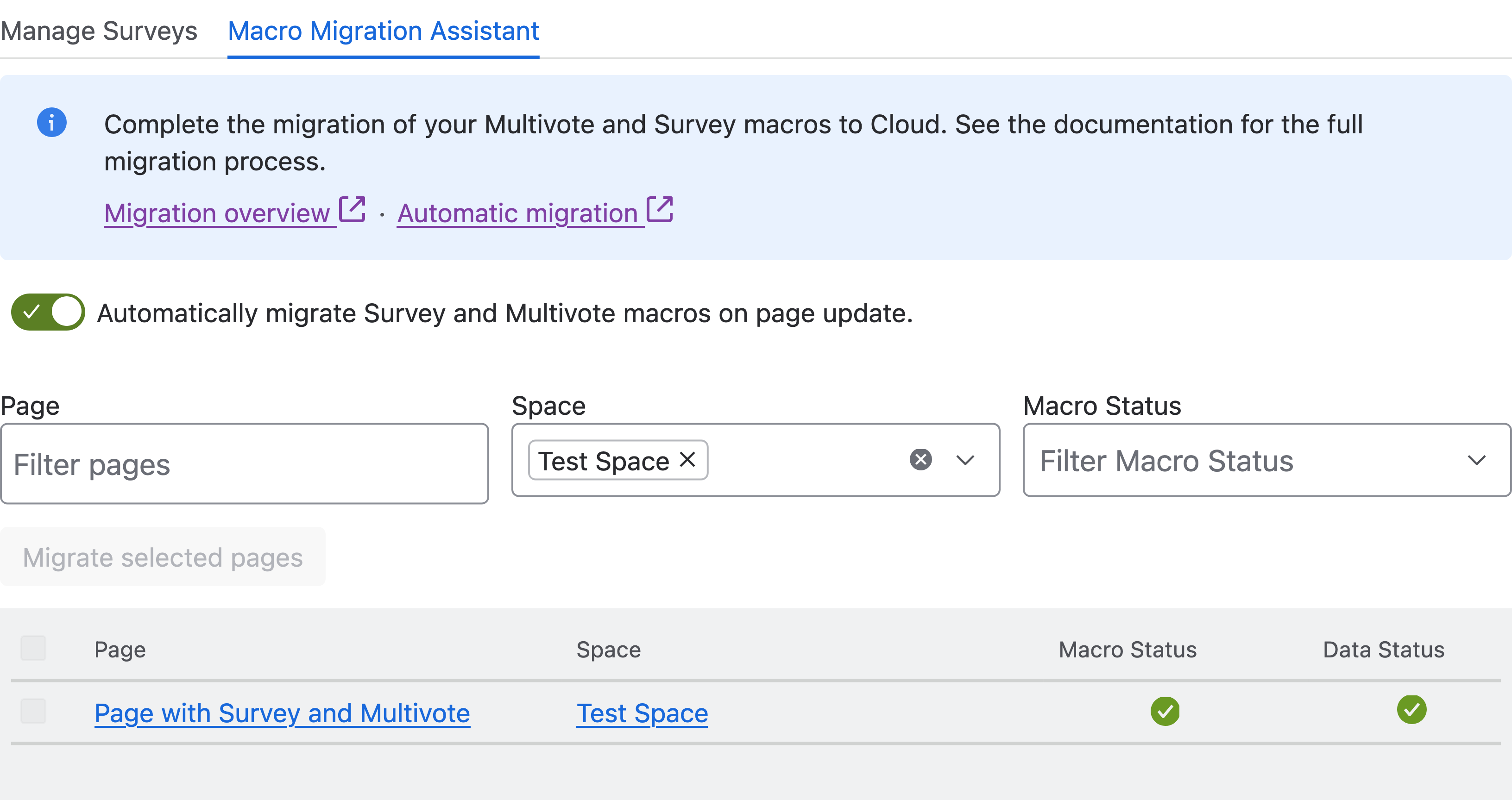
The table lists all pages containing a Survey or Multivote macro. You can select and migrate individual, multiple, or all pages. Below is an explanation of the different statuses:
|
Macro Status |
|
|
Data Status |
|